
BEATCAMP
Missions • Games • AppsWelcome back to BEATCAMP
Good to see you back at BEATCAMP, Junior DJ!
YOUR JUNIOR DJ BOOTH
Everything You NeedMissions
Step-by-step DJ quests. Each mission builds a real skill, one win at a time.
Games
Quick challenges that make practice fun. Repetition without boredom.
Apps
DJ tools you practice in. Start with the BEATCAMP Mixer, explore more later.
Sound Booth
Your own personal sound library. Download new tracks & sample packs to import into BEATCAMP.
Knowledge Base
Quick answers and explainers when you forget what a button does.
Ask a Question
Stuck or curious? Ask for help and keep moving forward.
Intro to Beatcamp Mixer
BEATCAMP App Guide
Mixer • FeaturesMeet BEATCAMP Mixer: Your Junior DJ Software
Before we learn anything, let's play around with BEATCAMP Mixer first, then we can open the sections below to learn what each feature does and
why DJs use it.
Go slow, be curious, push button — just have fun and see what happens!
Live BEATCAMP Mixer Click • Tap • Experiment
Start Here A 60-second warmup
-
Load a track on Deck A (Library or LOAD button).
-
Press PLAY.
-
Bring volume up slowly in headphones.
-
Turn one EQ knob a little and listen, then put it back to the middle.
Features & What They Do Open one at a time
Song Library Where your tracks live
What it is: A list of songs you can choose from and load onto a deck.
LOAD / UNLOAD Put a song on the deck
What it is: LOAD places a selected song onto the deck. UNLOAD removes it.
PLAY / PAUSE Start and stop sound
What it is: PLAY starts the track. PAUSE stops it.
Volume (Deck Volume) How loud this deck is
What it is: The deck’s loudness control. In BEATCAMP, volume starts down by default.
EQ (HI / MID / LOW) Shape the sound
What it is: EQ changes parts of the sound: LOW = bass (boom), MID = vocals/body, HI = sparkle/cymbals.
Tempo Slider Faster or slower
What it is: Changes the track speed without changing which song it is.
SYNC Match tempo automatically
What it is: A helper button that matches BPM so songs run at the same speed.
KEY / KEY SYNC Keep melodies friendly
What it is: Key shows the musical note “home” of a song. KEY SYNC helps align keys.
Crossfader Switch between decks
What it is: A slider that chooses what you hear: left = Deck A, right = Deck B, middle = both.
Performance Pad Mode (Dropdown) Choose what pads do
What it is: A selector that changes the pad “job,” like Hot Cues, Loops, or Samples.
Hot Cues Bookmarks in a song
What it is: Saved jump points so you can instantly return to a moment (like a chorus or drop).
Loops Repeat a section
What it is: A repeatable slice of the song (often 1, 2, 4, or 8 beats).
Samples Extra sounds
What it is: Short sound clips (like a shout, drum hit, or silly effect) that you can trigger with pads.
Jogwheel Nudge or search
What it is: A wheel DJs use to move through audio or nudge timing.
BEATCAMP GAMES
Play & PracticeAll BEATCAMP Games
Games turn practice into play. Pick one and jump in.
| PLAY THIS GAME | LEVEL UP THESE SKILLS | LET'S GO! |
|---|---|---|
BEATBOT Beatmatching game |
Beatmatching
Tempo
Listening
Timing
|
Play Now |
|
BEATBALL Rhythm challenge |
Rhythm
Counting
Focus
|
Play Now |
|
BEATCRAFT Build-your-beat lab |
Creativity
Patterns
Structure
|
Play Now |
|
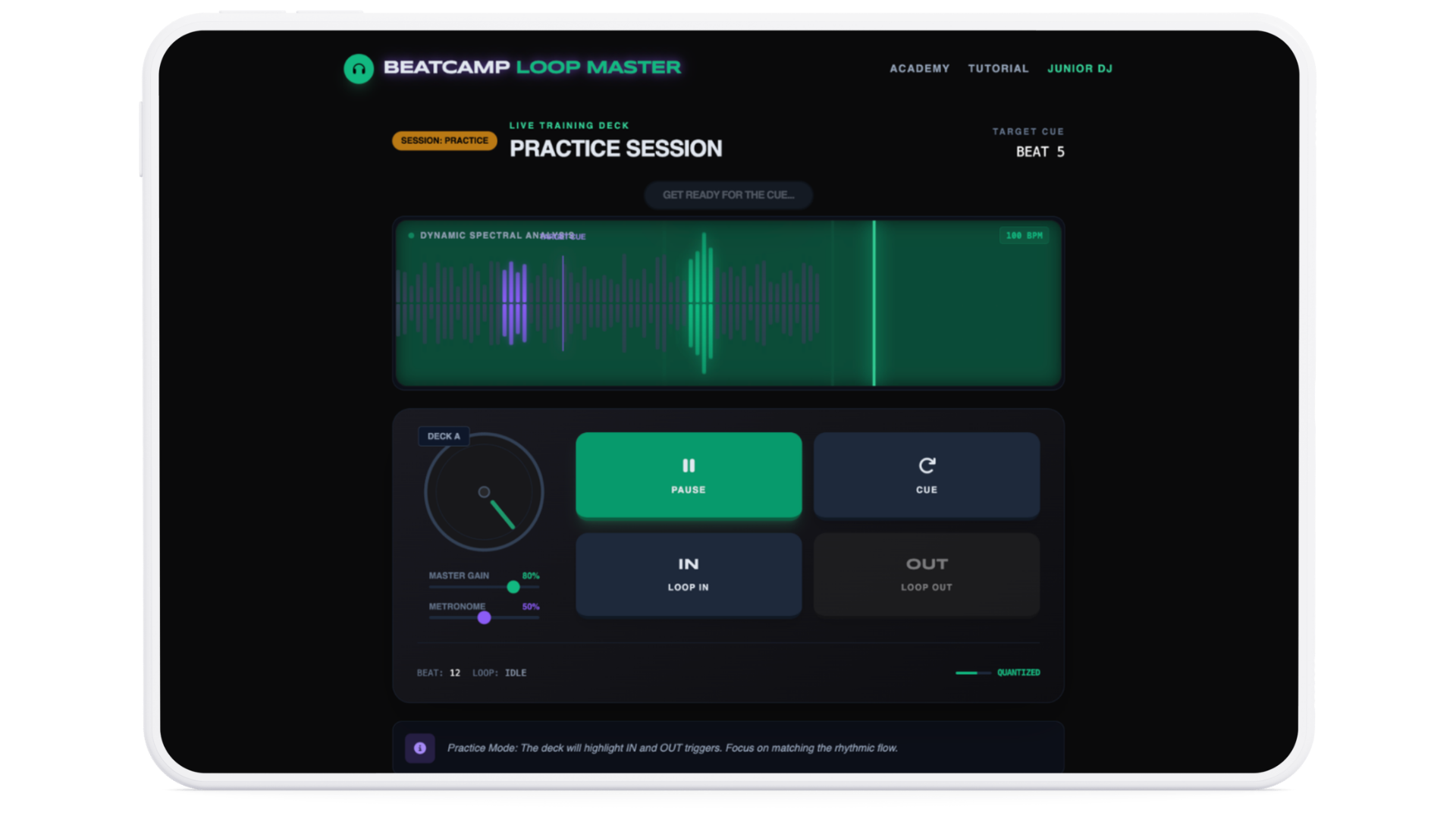
LOOPMASTER Loop timing challenge |
Looping
Precision
Timing
|
Play Now |
|
PROBLEMBEATS DJ problem-solving |
Troubleshooting
Confidence
DJ basics
|
Play Now |